
5 Best process tracking software for independent loan officers
Process tracking software assists small business owners and their teams in keeping tabs on steps, tasks, and project progress in a single location.
Most employ such tools to monitor and perform work processes as it flows from initiation to completion, record its transformations, and detect bottlenecks. Proper tracking software for loan officers can reduce time wasted, provide transparent status updates on loan applications, generate refinancing leads and identify bottlenecks.
For those integrating multiple sales funnels for marketing or sales, convenient reports and alerts allow you to quickly view what is working or not.
Key Takeaways
Unify your data, automate your marketing, and streamline your workflows by integrating your CRM with loan origination software.
Unifying client data establishes a source of truth, allowing for real-time updates and better team collaboration.
Automated marketing and personalized communication drive higher engagement, stronger relationships, and better follow-up.
When selecting process tracking software, consider its key features, scalability, compatibility with existing systems and pricing model to ensure it aligns with your business requirements.
Well-designed process tracking software captures the relevant details and improves communication with stakeholders.
Independent loan officers gain agility, cost control, and personalization with affordable, scalable technology to streamline operations and cultivate lasting client connections.
Table of Contents
Why integrate CRM with LOS loan software
Choosing your process tracking software
Overcoming common integration hurdles
The independent loan officer advantage
Beyond the hype: a reality check
What is process tracking software?
Why integrate CRM with LOS loan software?
How do I choose the right process tracking software?
What is an integration blueprint?
What are common hurdles in software integration?
How does process tracking benefit independent loan officers?
Why integrate CRM with LOS loan software

Here’s why combining CRM with LOS loan software is a smart move for small business owners and lenders alike. It makes each phase of the customer journey easier to monitor and handle. This integration links two critical tools, uniting marketing, sales, and loan operations into one flow.
The outcome is fewer errors, more speed, and greater opportunity to establish enduring client relationships. Here are a few key benefits:
Eliminates redundant work and mistakes by synchronizing data automatically.
Boosts lead conversion rates with timely, targeted follow-ups.
Improves customer experience with personalized updates.
Streamlines marketing and loan processing from start to finish.
Makes it easier to track leads, coordinate activities, and report on outcomes.
1. Unify data
All borrower information, from initial touch to loan closing, lives in one place. There is no switching between systems or losing context when team members require an update. No one hits the blind spot because we all see the same real-time information—lead status, loan progress, documents.
This single source of truth keeps things straight, whether you’re following up on a fresh lead or updating a borrower about their application. Teams can rapidly share notes or alert problems, making it simpler to collaborate and deliver a seamless client experience.
2. Automate marketing
Automated email workflows let you keep leads warm without additional effort. Target your audience depending on their loan status or product interests. Send drip campaigns, schedule reminders for follow-ups, or trigger messages when someone completes a step.
You can track which emails are opened or which offers get clicked, so you know what works. In the long run, that translates into increased effectiveness and returns on every marketing dollar invested.
3. Enhance client experience
Clients want to know what’s going on at every stage. With integration, you can send them updates on their loan status, respond to questions promptly, and even enable them to track progress via a self-serve portal.
Pull information from your CRM to welcome them by name or recommend relevant offerings. Collect feedback immediately post-closing to understand what went well and what needs improvement. This combination of the personal and technological fosters loyalty and converts clients into repeat business.
4. Streamline workflow
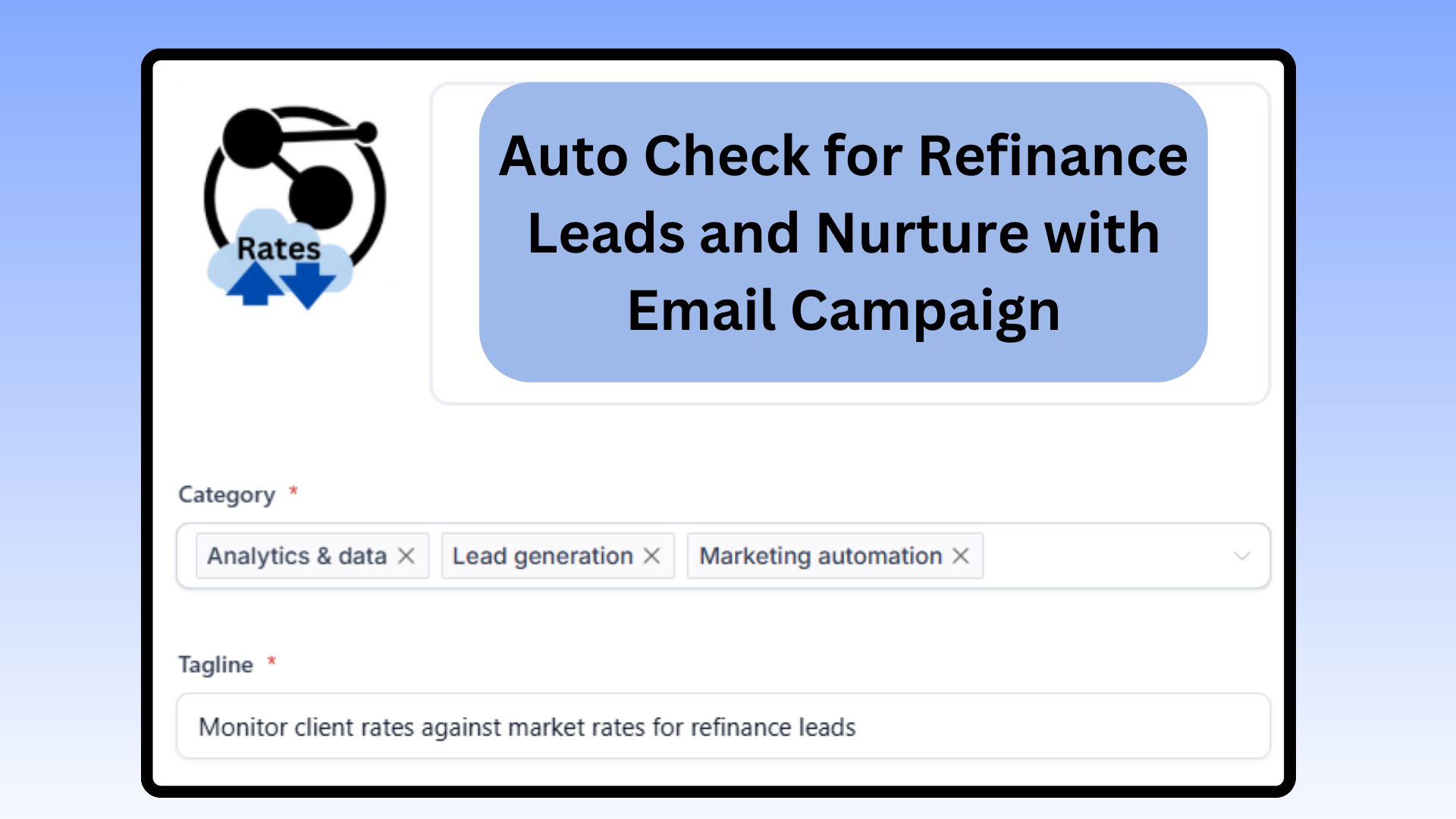
Automate the busy work. Automate routine activities such as sending status emails, assigning follow-ups, or moving files. Workflow dashboards provide visibility into what’s outstanding, who owns it, and where it bottlenecks.
Eliminate bottlenecks quickly and ensure no team member overlaps with each other. Less busywork, more thinking.
5. Gain insights
With all of your data in one place, analytics become potent. Track key numbers: conversion rates, processing times, client satisfaction. Identify trends—perhaps specific campaigns attract higher quality leads or specific points of the loan stage cause bottlenecks.
Generate reports for your team or investors. Use these insights to refine your sales approach or service so you continue getting better.
Choosing your process tracking software

Now, choosing your process tracking software is about balancing features, price, and suitability to your business. The right tool can simplify your system, increase adherence, and keep your group aligned. Your process tracking software should keep all information in a single location, assist with compliance monitoring, and enable your organization to respond swiftly with real-time status updates.
With so many options, it’s wise to compare not only features, but ease of use, integration, cost, and support before you decide.
Core features
Good process tracking software begins with good task management. It should allow you to create, update, and migrate tasks so that people always have clarity on what to do next. Integration with other business tools is equally important. Companies already operate a dozen or more apps, so your process tracking software should integrate with what you already use.
Reporting is important as well. Great reporting software gives you clear, actionable insight, making it easy for you to see which projects are on track and which need attention. Lastly, automation should ease mundane steps. It clears your team’s mind to concentrate on what really counts and accelerates decision-making.
Scalability
As your business matures, so too must your software. Select a solution that can accommodate additional users or manage intricate projects as you expand. Customization is key here. Being able to adapt workflows or data fields helps you stay agile when processes change.
Data volume is another consideration. Your ideal platform should handle larger datasets without bogging down. Finally, flexible pricing enables you to add capacity or features as your needs grow without being forced to pay for what you don’t utilize.
Integration ease
Integration is more than plug-and-play. The best systems make it simple to integrate with tools such as your email, CRM, or accounting software. Seek a strong API if you desire custom configurations. User reviews can provide some sense of how seamless integration is.
A clunky setup wastes time. Good vendors provide walkthrough support at setup, so your team doesn’t get hung up.
Cost structure
Look beyond upfront price tags. Look at what you receive for the price: functionality, support, and upgrades. Subscription models are typical, but watch out for additional fees related to data volume or premium support.
Inquire about onboarding or integration hidden fees. Look at your competitor pricing to make sure you’re getting value, not just a low sticker price.
💡 Golden Nugget: Why integrate many tools and pay many subscriptions when you can have all your communication and marketing channels in one place
The integration blueprint
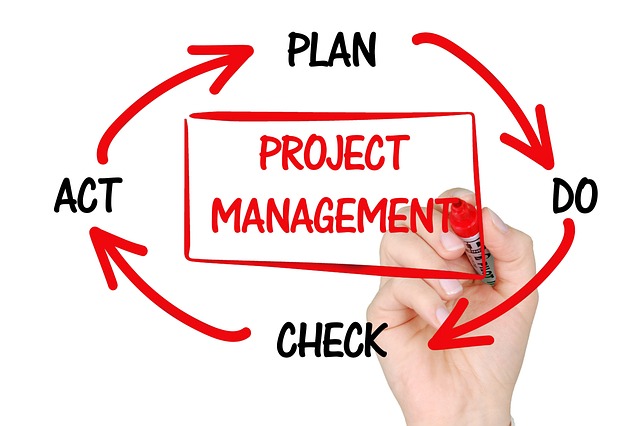
The integration blueprint provides a defined, piece-by-piece road map for connecting process tracking software with loan origination software or other systems. It begins with a comprehensive audit of existing workflows, tracks how work and information flow, and constructs a strategy to ensure that all components mesh well.
It’s most effective for small businesses and teams where capacity is tight and every step matters. Automated workflows, aligned with the appropriate process, can save hours off busywork such as reporting or approvals, liberating time for higher-value endeavors.
To get the integration right, you need to focus on the details—particularly where high-volume, rules-based tasks are concerned—and test workflows before deploying them company-wide. A rigorous evaluation allows you to identify the true worth and implement transformations that endure.
Assess systems
Begin by observing the software you already utilize. Determine what it accomplishes and what it does not. This allows you to identify processes that need assistance and tools that bog things down.
Interview the folks on the ground, the people who use these tools every day. Ask them what gets in their way or what features they wish they had. Their perspective is crucial because they understand where the friction lies.
Next, see if your existing systems can be integrated with a new process tracking solution. This implies examining technical compatibility, such as APIs or data formats, and ensuring new tools can communicate with the old ones.
Identify must-have features from team needs and business goals. Sometimes the most elegant solutions are those that integrate seamlessly into what your team already does. A complete review isn’t only about technology. It’s about mapping how existing habits and technologies support or hinder your objectives.
This concrete roadmap provides you a launchpad for transformation.
Plan data flow
Sketch a diagram showing how data will flow between systems. Map every step from the point someone inputs new data to when it appears in a report. This helps detect things that could break or fall through the cracks.
For each stage, give clear data ownership. That way, we all know who’s on top of keeping things right. Define the policies for data synchronization and updates. Little errors can cascade throughout the system if not detected promptly.
Photos assist. Use easy-to-understand diagrams to illustrate to the team what is occurring. This makes it easier to identify gaps or risks before they turn into actual problems.
Execute connection
Execute your strategy incrementally. Leverage guides and support from software vendors to stay smooth. If something derails, repair it immediately instead of waiting.
Loop everyone in as you go. Communicate updates to the team and stakeholders so nobody is caught off guard. This establishes trust and facilitates problem solving together.
Tick off each segment as you complete it. This prevents the project from stalling and ensures all the important nitty-gritty gets done.
Test rigorously
Try out the setup on a small, controlled space first. Let end users try real work and provide feedback. This helps catch issues that only arise in day-to-day usage.
Examine your numbers. Don’t leave anything out or jumbled. Testing should include not only the tech, but how simple it is for actual humans to go through the motions.
Take notes on what worked and what didn’t. Note things down for future updates or patches. Good documentation means you are prepared if something goes awry later on.
Overcoming common integration hurdles

Process tracking software can revolutionize the way small businesses conduct their daily business. Integrating new tools with existing systems presents its own set of challenges. Even the best-laid plans run into snags when dealing with real customer data, expanding data volumes, and other external systems.
The checklist below tackles common integration problems and gives practical steps for smooth adoption:
Assess legacy systems for compatibility and risk
Normalize and validate data before syncing
Provide clear training and support for team buy-in
Maintain regular check-ins for feedback and technical issues
Review and update integrations on a schedule
Legacy systems
Legacy systems tend to stall or outright prevent new process tracking tools. Evaluate what your existing environment succeeds at and where it fails. For instance, older HR or payroll platforms might not facilitate modern APIs or cloud connectors, which makes complete integration challenging.
Identify all constraints and inquire if updates or complete substitutions are necessary. You can’t always replace old tech right away. A stepwise approach helps. Begin by co-executing new and old systems for the most vital processes, transferring data in mini-batches.
This reduces risk and allows employees to become familiar with the new technologies. Make sure data migration follows the rules: GDPR in Europe, HIPAA for health data in the United States, or SOC 2 for general business. Employ robust encryption and maintain extensive logs.
Just like with migrating data, always test with dummy records before flipping the switch and sending live customer or payroll data.
Data mismatch
Data mismatch can stealthily creep in and wreck even the most solid integration plans. Don’t be lazy – establish solid data standards for names, values, dates, and currency (metric for international shipments!). Run data validation checks before any systems go live together to flag errors.
These checks catch things like mismatched account IDs or dates in the wrong format before they cause trouble. Audit data after integration once a week or month to keep it clean. This prevents little errors from becoming epic issues.
Train staff on the basics: how to enter data, double-check numbers, and spot oddities. Let’s say, for instance, syncing inventory counts with a sales CRM; ensure that everyone understands the correct unit to use. This step by itself reduces expensive mistakes.
Across system boundaries, normalize the key data fields. When you plug in your CRM, payroll, and invoice platforms, there’s no ambiguity. Beware of APIs, they can change at any time and break the flow.
Overcoming typical integration challenges involves building safeguards into your workflow so you receive notifications when APIs update or data doesn’t sync.
Team adoption
No team buy-in can make or break an integration. Demonstrate how the new system saves time or reduces error. For instance, emphasize how process tracking ties sales, inventory, and payroll all in one place, so your staff don’t have to hop between apps.
Conduct training that is bite-sized, targeted, and experiential to build confidence. Open up an area where employees can share what’s going well and where they’re hitting roadblocks. This might be a chat channel or a weekly check-in.
Celebrate small victories, such as a first week with zero sync errors or a new report that saves hours. These steps help teams find tangible value and remain engaged.
💡 Golden Nugget: A platform with free onboarding helps you settle in faster and grow quicker while saving on cost for onboarding services
The independent loan officer advantage

Independent loan officers are different in the lending world because they own their process and client experience. It’s that freedom that enables them to innovate fast, provide a broad portfolio, and manage expenses. These benefits can mean a lot to both the officer and the client alike.
Below is a quick summary of these advantages:
Agility
Agility is the independent loan officer advantage. When the market shifts, be that interest rates, regulations, or buyer behavior, they can modify their workflows without extended approval chains. This agility is the independent loan officer advantage.
Process tracking software keeps tabs on every stage of a loan application, from initial contact to closing. Officers can identify bottlenecks, alert to potential delays, and use performance metrics to make decisions with data, not intuition. That way, they’re not merely reacting; they’re molding their business on the fly.
Teams, even tiny ones, get armed with real-time dashboards. Every member can operate on real-time intelligence, not static spreadsheets. This accelerates approvals, decreases turnaround times, and minimizes errors. When a team is trusted to act, they tend to discover new ways to work smarter.
A culture open to testing new tools and methods results in constant refinement. Independent officers can experiment with new software, adjust processes and implement best practices as soon as they observe outcomes without having to wait for approval from a head office.
Personalization
Independent loan officers can craft every client touchpoint. They can send birthday messages, check in post-closing, and tailor follow-ups to each client’s personality. By saving preferences and facts in a CRM, they keep details at their fingertips and make every interaction matter.
Campaigns can be constructed based on CRM data to align with the client’s interest or loan history. This type of personalization isn’t just a nice to have; it typically translates to more referrals and repeat business. Small businesses live for this personal touch.
They observe when they receive rapid responses and genuine focus. That’s why many prefer independents: they feel heard, not just processed. Officers collect feedback, adapt, and continue to iterate, making reviews actionable.
Cost control
Expense management is both an obstacle and a benefit for independent loan officers. By monitoring costs carefully, they can identify areas to economize, such as switching to cloud-based software instead of purchasing costly licenses. Most have adopted process-tracking platforms with cheap euro or dollar monthly fees.
Automating tasks such as document uploads, status updates, or reminders reduces manual labor. This cuts time and errors and keeps overhead down. Officers sometimes negotiate with service providers to secure lower prices for the tools they use.
Budget tracking tools provide a transparent window to what’s coming in and going out. With that, officers keep their operations lean, which can translate into passing cost savings to clients while remaining competitive in a crowded market.
Beyond the hype: a reality check
Process tracking software is ubiquitous these days, and the promises can be audacious. Enhanced productivity, immediate intelligence, and frictionless AI are often advertised. Yet the leap from sales pitch to daily use usually takes more steps and more costs than anticipated.
For lots of small business owners, especially those just dipping a toe into analytics or automation, it’s important to consider the real impact on money, time, and workflow before diving in. You want software that actually matches your business size, objectives, and technical capabilities—not promises from fancy commercials.
Hidden costs
Sticker price seldom tells the full story. Software licensing fees can scale quickly, particularly if you require modules for analytics, reporting, or AI. Those bells and whistles, occasionally marketed as “premium integrations,” frequently require more expensive plans.
Plus, platforms like Monday.com, Asana, Trello, Smartsheet and Clickup offer free plans or low entry plan only to charge significantly as you scale with more contacts, users or processes. Having a low-cost platform that doesn't charge as you scale like NationwideLeads helps you avoid hidden costs
Foundational help might be complimentary, yet priority or round-the-clock assistance comes at a premium price. Training costs can sneak up as well. Bringing everyone up to speed, particularly if your team is not technology oriented, requires time and occasionally external assistance.
If you move from a simple spreadsheet to a full-featured process tracker, anticipate a period of down-time while folks adapt. That’s lost productivity, something that can really take a toll on small teams. Maintenance and updates require a budget line, too. Even cloud-based tools require routine maintenance to remain safe and reliable.
Missed updates or skipped patches can result in additional downtime or even security vulnerabilities, particularly where compliance (e.g. GDPR or FINRA) is in play.
Maintenance demands
Continuous support is not a choice. Bugs, changes, or just odd glitches will pop up, and it’s on your team to catch and fix them quickly. Frequent system updates keep things smooth but devour time and resources, particularly if your workflows are embedded with the software.
At a minimum, training a handful of staff on fundamental troubleshooting can eliminate delays. You’ll need a point person or small team to level-set performance and wrangle big fixes. Also, consider affordable done for you services leveraging platform services and resources to help you
Small businesses try to bypass this, but it almost never ends well.
The learning curve
Every time we get a new tool, there’s a period of adjustment. Some teammates learn quickly, others require additional support. Pile on the training—video, written or short live sessions. That initial work rewards you down the line.
Inspire all to continue learning, not only at launch but as updates roll out. Keep an eye on how people are faring, and provide additional support as necessary.
AI-powered tools, for example, demand that users learn not just how to get answers, but how to fact check those answers, as AI outputs must be considered with zero trust until validated against rules or a different model.
Conclusion
To choose the right process tracking software, simply apply what suits your working style. Most small shops don’t require fancy tools. A nice CRM and LOS integration can cover most of it and keep the team synchronized. Consider platforms with minimal hidden fees or that avoid cost creep with free onboarding and unlimited contacts, users and processes. See how the link functions before you pay. Give it a quick test in simple cases. Monitor for bugs or performance issues. For solo pros, it saves time and reduces errors. You accomplish more with less ache. Curious to check out a platform? Try it for free here or schedule a brief demo for actual examples and use case scenarios.
Frequently Asked Questions
What is process tracking software?
Process tracking software assists in overseeing, organizing, and improving business processes. It adds real-time visibility, increases efficiency, and minimizes errors through the automation of standard tasks.
Why integrate CRM with LOS loan software?
CRM Integration with LOS Loan Software As process tracking software It keeps all customer and loan information in sync.
How do I choose the right process tracking software?
Think about functionality, integration, scalability without cost creep, and usability. Look for robust security, customer support, and integration with your existing systems.
What is an integration blueprint?
It’s basically an integration blueprint. It includes data mapping, process flows, timelines, and responsibilities to facilitate seamless integration.
What are common hurdles in software integration?
Frequent challenges are data incompatibility, security threats, insufficient training, no free onboarding and downtime. Planning and expert assistance can avoid the majority of problems.
How does process tracking benefit independent loan officers?
Independent LO’s get enhanced workflow visibility, accelerated loan process, and improved client communication. This results in increased efficiency and customer happiness.
Is process tracking software worth the investment?
Indeed, process tracking software is time, error, and growth-proof. It’s all about making teams smarter and making results better.